Indeed Apply Integration
Connect your Indeed job postings to StaffMyAgency and let AI-powered matching work for you.
StaffMyAgency's integration with Indeed Apply removes the extra step between a candidate and your hiring pipeline. Instead of being redirected to an external careers page, candidates apply directly on Indeed — and their application is synced automatically into your StaffMyAgency dashboard.
Each candidate is scored by our AI matching engine, summarized for quick review, and attributed with a source of Indeed so your reporting stays accurate.
Enable Indeed Apply
Before turning on Indeed Apply for individual boards, verify your company email inside the platform.
- Log in and go to Settings > Social Network.
- Click on Indeed logo link.
-
Enter a company email address:
- If you have an Indeed employer account, use the email on that account.
- If you don't, use any address on your company domain.
NoteWhy this email? Indeed requires a verified company address to authenticate job posts and prevent spam. It's used only for validation — never for marketing.
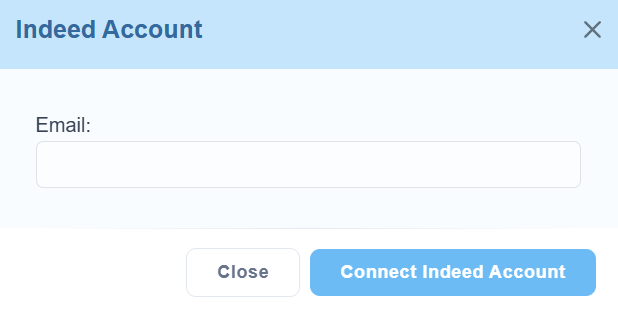
Click Connect Indeed Account to continue.
-
Click Yes to allow candidates to apply directly from Indeed with Indeed Apply.

What candidates see
After enabling, your Indeed job posts display an Apply Now button. Candidates submit without leaving Indeed.
Applications then land in your StaffMyAgency pipeline automatically — AI-scored against the job, summarized for fast review, and tagged with the source Indeed.
Important: custom questions & PII
Effective April 1, 2023: Indeed no longer allows job post questions that request personally identifiable information (PII) — including full birthdates, driver's license numbers, or social security numbers.
Posts containing PII questions may be removed from Indeed, and your account may experience restricted functionality. Review your custom application questions and remove anything that could be interpreted as requesting PII.
For details, contact your Indeed account representative or reach out to StaffMyAgency support.
Need help?
Our team can help with setup, posting drafts, and sourcing configuration. Account setup typically completes within 24 business hours.